iPhoneApple Watch
Log the set in one tap. The app does the rest.
You reach the set and the numbers are already there: last time's weight, the reps from your routine, the rest timer ready to run. Confirm and get back under the bar.

Free on the App Store · iPhone with iOS 26 · Apple Watch with watchOS 10
- Free, with no limit on workouts or time
- 170+ exercises ready to go
- On iPhone and Apple Watch, even without your phone
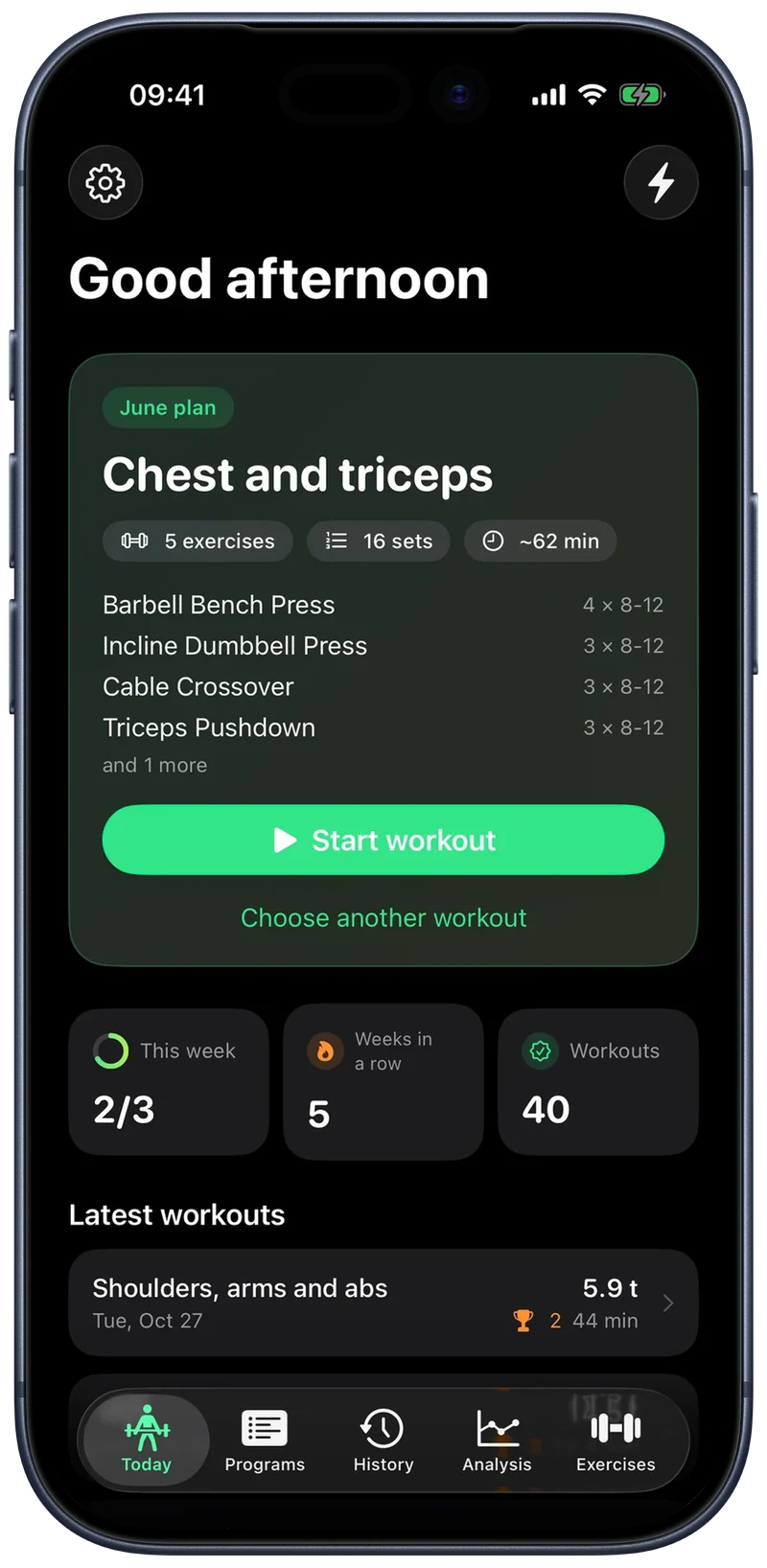
Why it's different
A logbook you don't fill in is worth nothing.
Gym apps get abandoned halfway through a session, and not because a feature is missing: because between two sets nobody wants to fill in forms.
One set, one tap
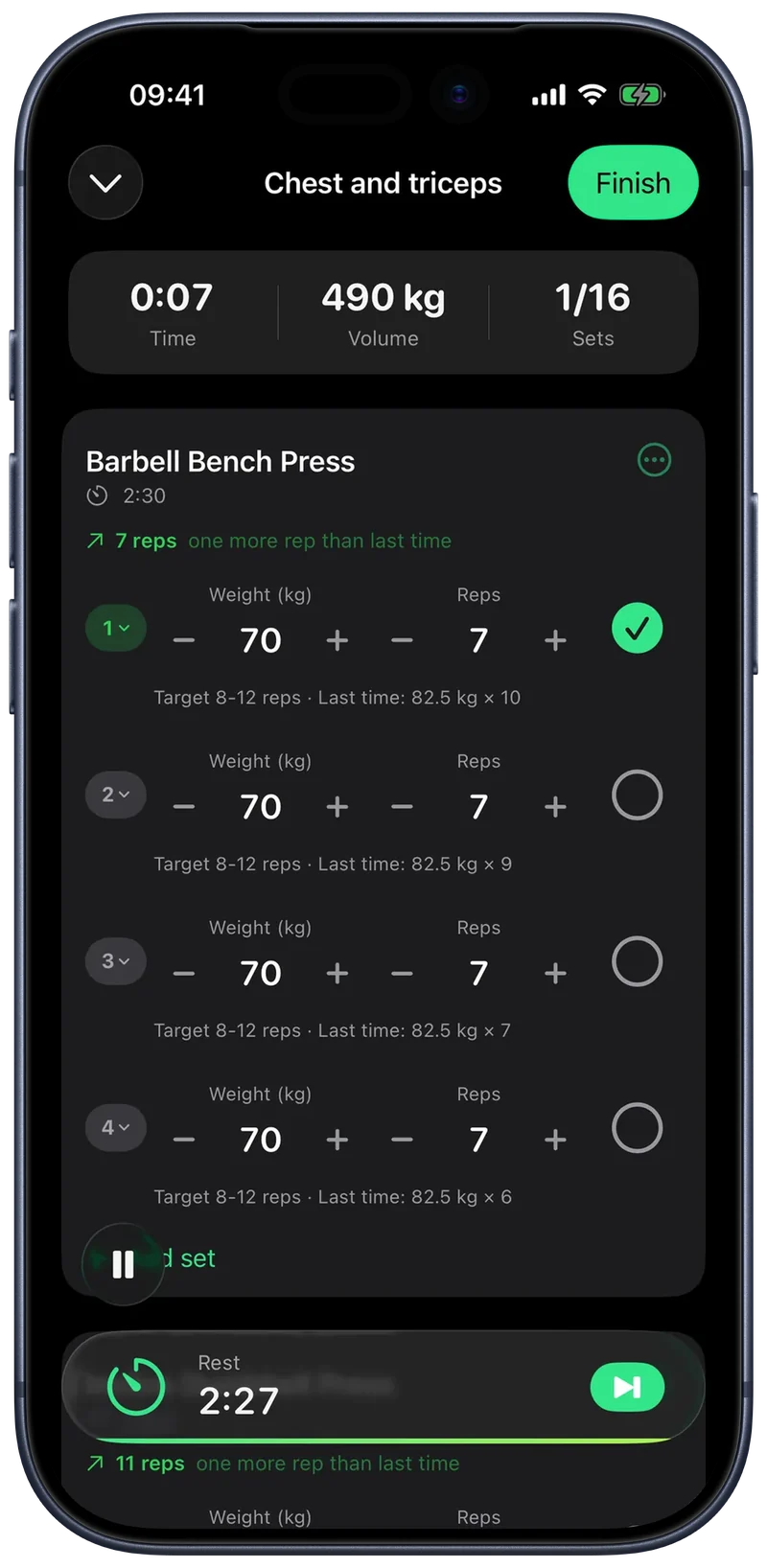
The circle next to the set logs it and starts the rest timer.
It fills in the numbers
Weight and reps come from your routine and from the last time you did that exercise.
No keyboard
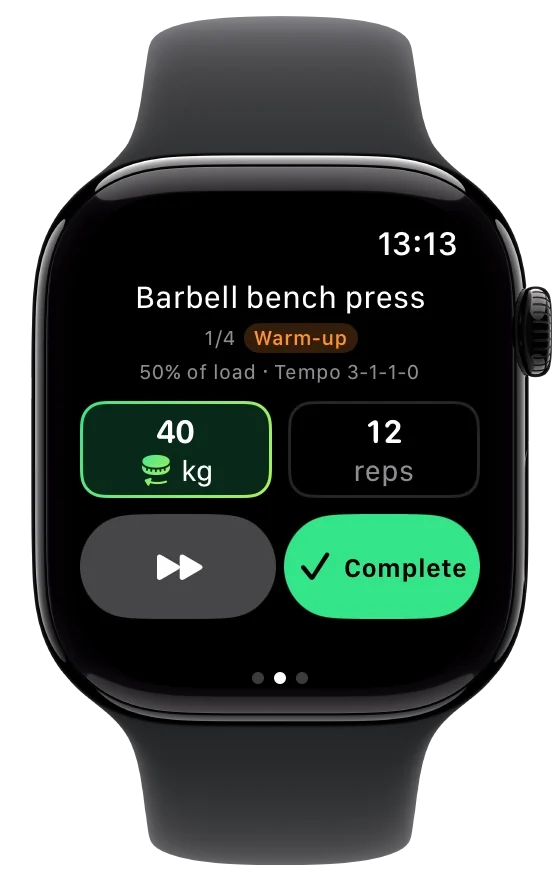
Adjust the load with plus and minus, or by turning the watch crown.
The workout
What you need when your hands are full.
One row per set, a circle to confirm it and the countdown at the bottom of the screen. From the menu you skip a set, change the rest or drop an exercise; if you forget to finish, the app does it after four hours.
Rest starts by itself
As soon as you close the set, the countdown begins.
Pause stops the clock
A phone call or a queue at the machine: paused time stays out of your numbers.
- Premium
It tells you how much to load today
If the exercise has a progression, a single line above the sets shows today's weight and why it changed.
One side at a time
Bulgarian split squats and the other unilateral exercises are logged side by side, with the right rest between the two.
Apple Watch
Your whole workout on your wrist, not a remote.
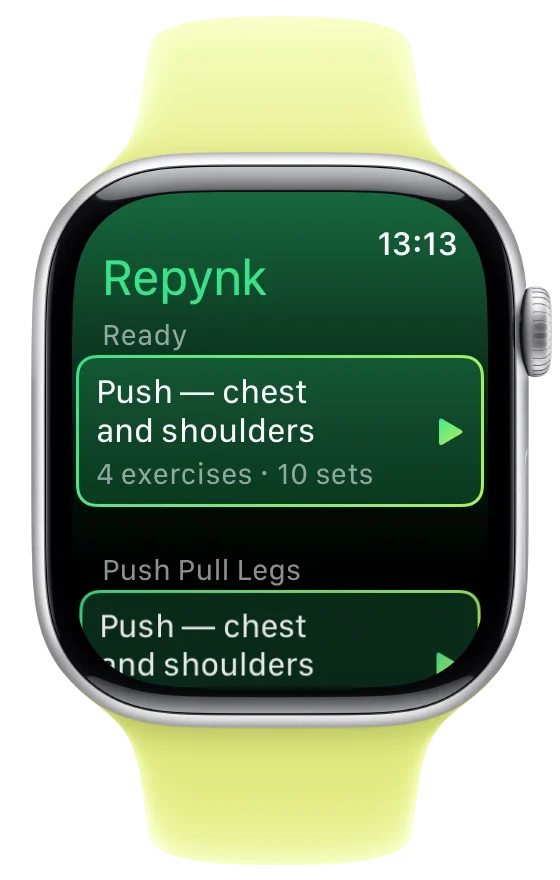
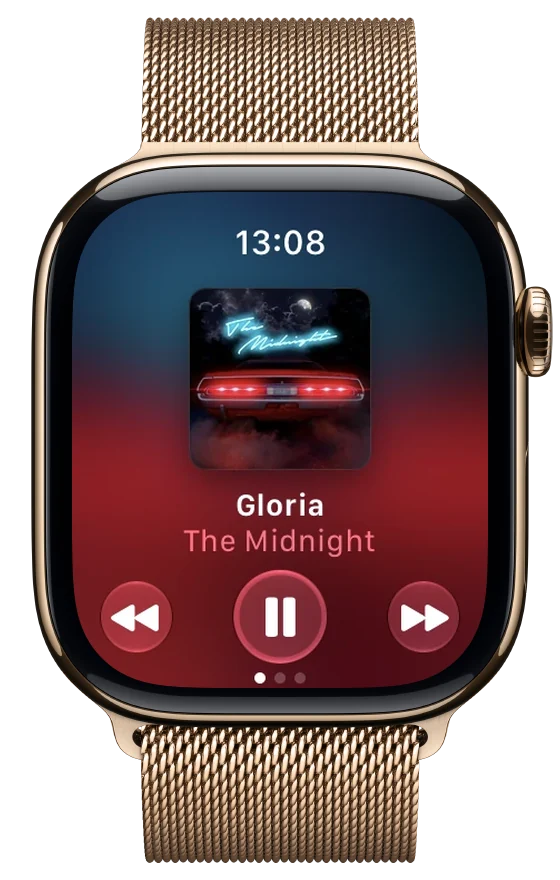
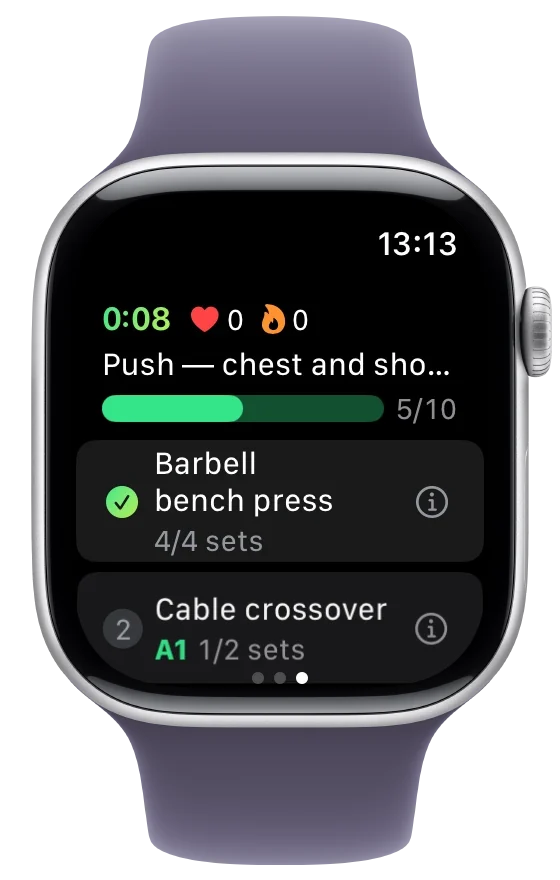
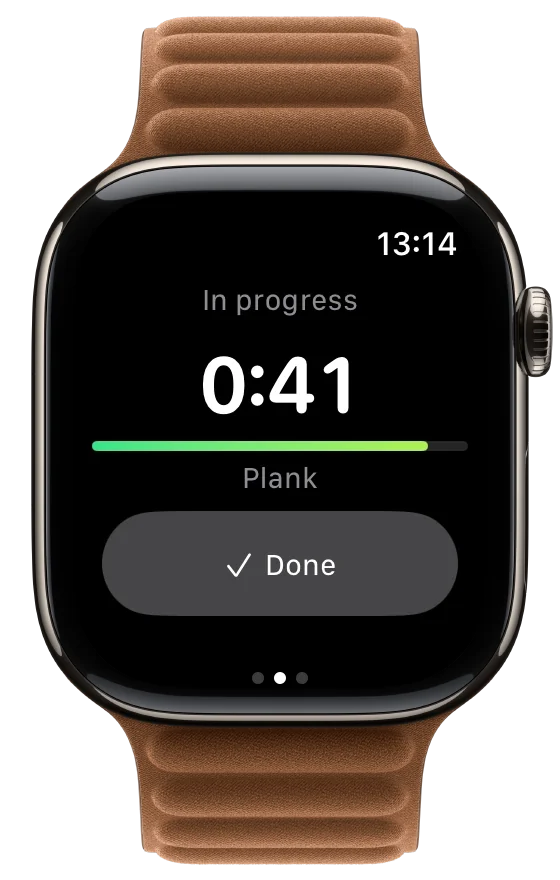
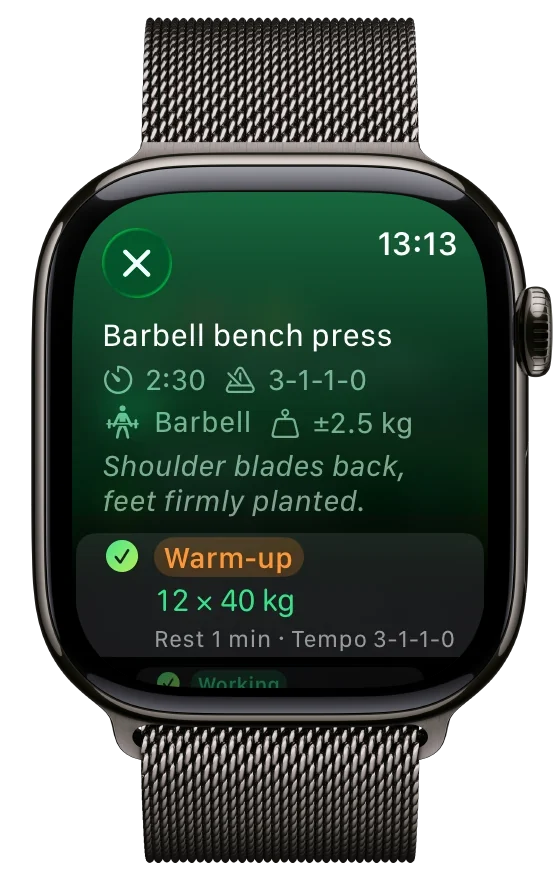
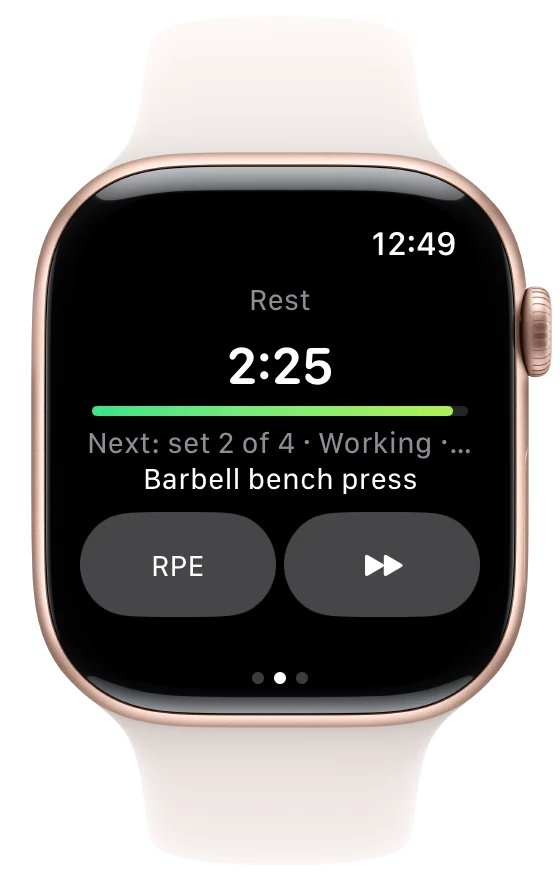
The current set sits in the middle. Your full plan on the right, music on the left. The phone can stay in the bag.
Start wherever you are
Start on the iPhone or on your wrist: the other device opens on the same session.
Two screens, one workout
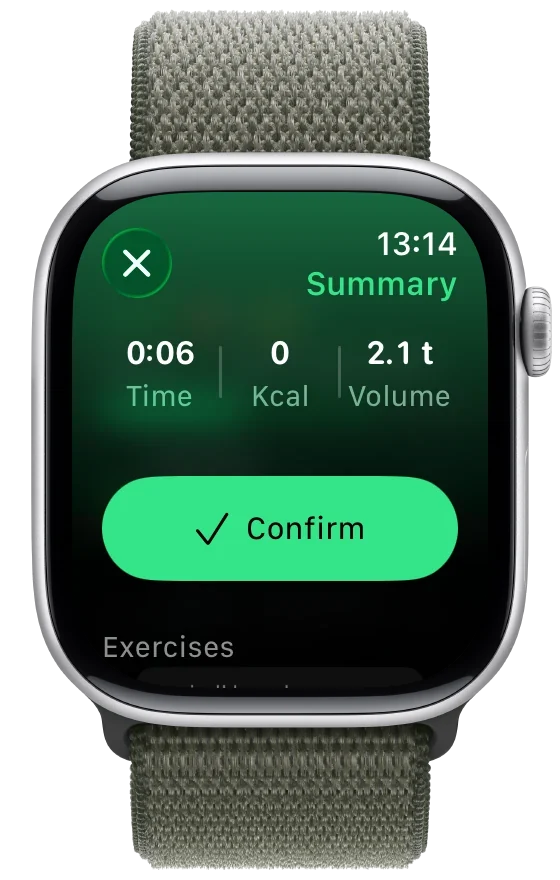
Sets, skips, rests and pauses show up on both sides without duplicates, and the plan on your wrist shows in green what you've already done.
Turn the Crown, change the weight
Weight, reps and rest are set with the Digital Crown, in the right step for each exercise.
Heart rate, calories and summary
At the end, a summary with time, calories and weight lifted; in Health and Fitness you find it under your plan's name.
Outside the app
Read your rest without opening anything.
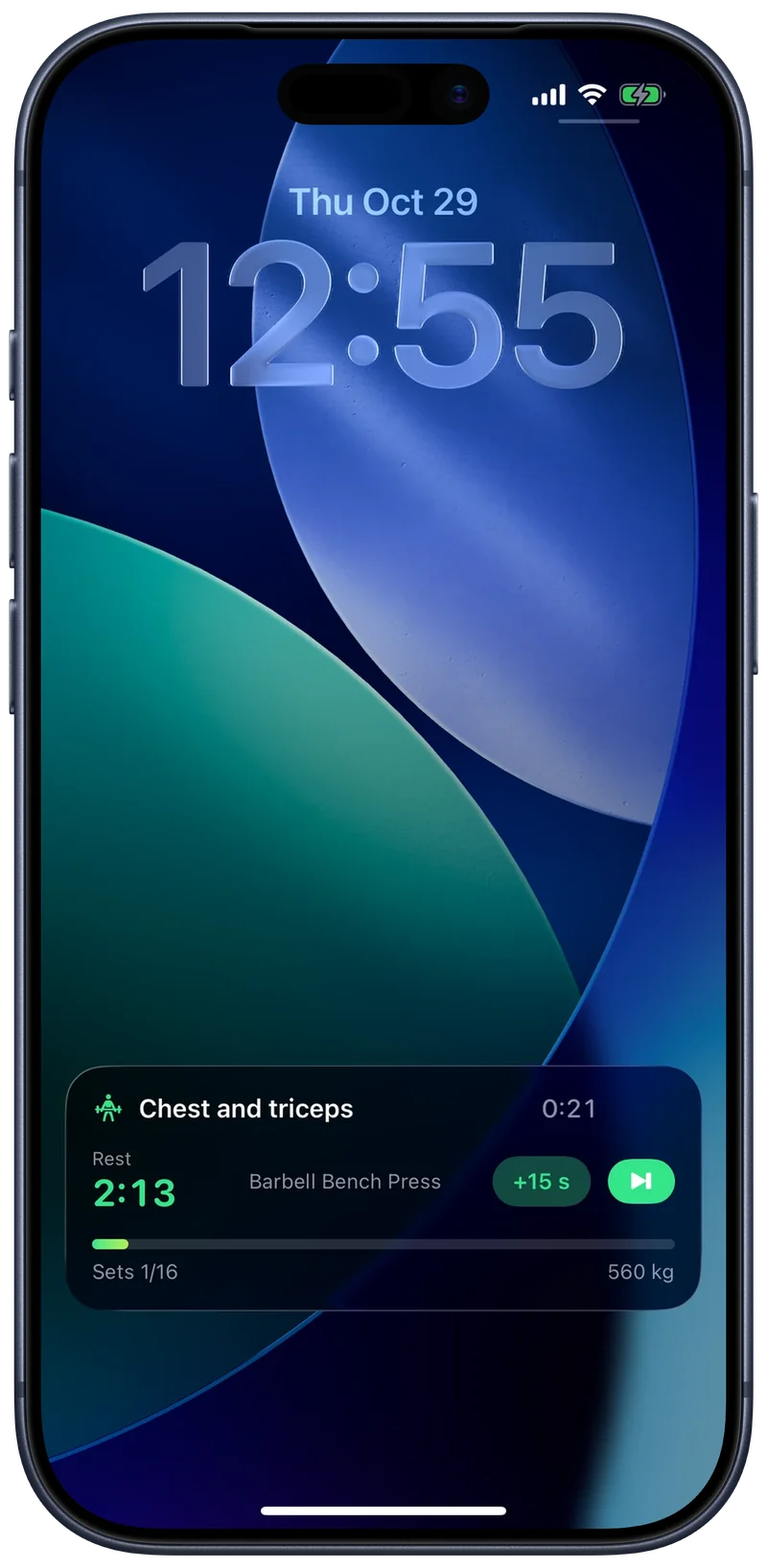
During a workout Repynk lives on the Lock Screen, in the Dynamic Island and in the watch's Smart Stack.
Confirm the set with the phone locked
Done, plus fifteen seconds, skip rest: the controls are there and do exactly what they do inside the app.
Readable from afar, easy on the battery
The time left is big in the middle, and the countdown is drawn by the system: accurate even with the screen off, without draining the battery.
You feel it when it ends
A tap on your wrist and on your phone, and a notification that gets through even in a Focus.
Routines and progression
Your routine says what to do. The app says how much to load.
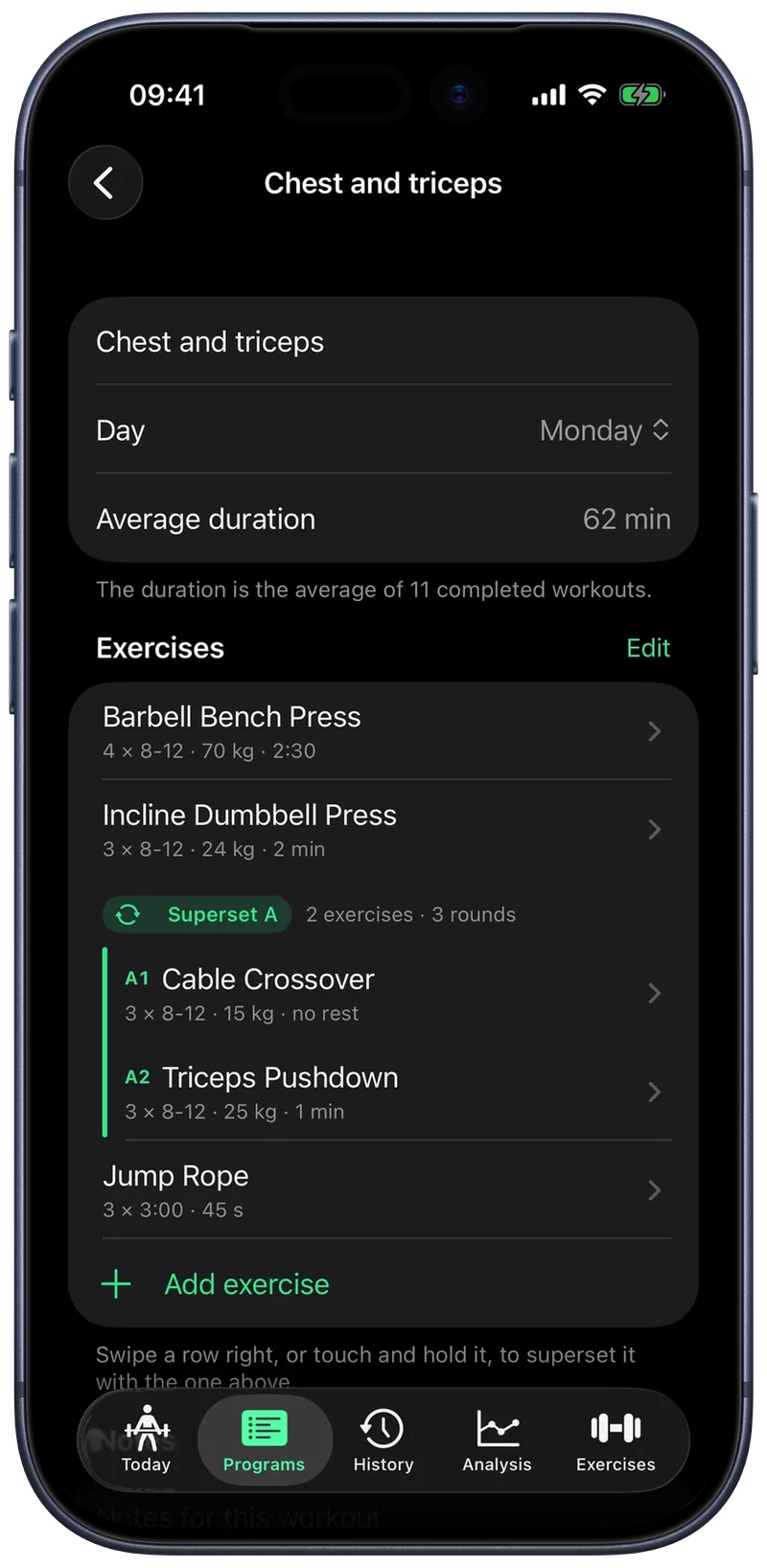
Build the program once and every session starts pre-filled. In your first sessions, tips show the gestures that matter, and the glossary explains the terms.
- Premium
Linear
Hit every set at target and next time the weight goes up by one equipment increment.
- Premium
Double
Reps climb first, up to the top of the range; then the weight goes up and reps start again from the bottom.
- Premium
RPE based
RPE is how hard a set felt, from 1 to 10: from last time's effort it works out the right weight for today.
Six ways to run an exercise
- Weight × reps
- Reps only
- Bodyweight
- Assisted bodyweight
- Timed
- Weight × time
Ready-made programs, or your own
Three free plans to get started, or your own: sets, rep ranges, weight, rest, tempo and notes, with warm-ups as a percentage of the weight.
Supersets, drop sets and special sets
Supersets, drop sets, rest-pause, myo-reps, top sets and back-offs: write them in your plan, and during the session the app knows when to start the rest and how much to drop the weight.
Analytics
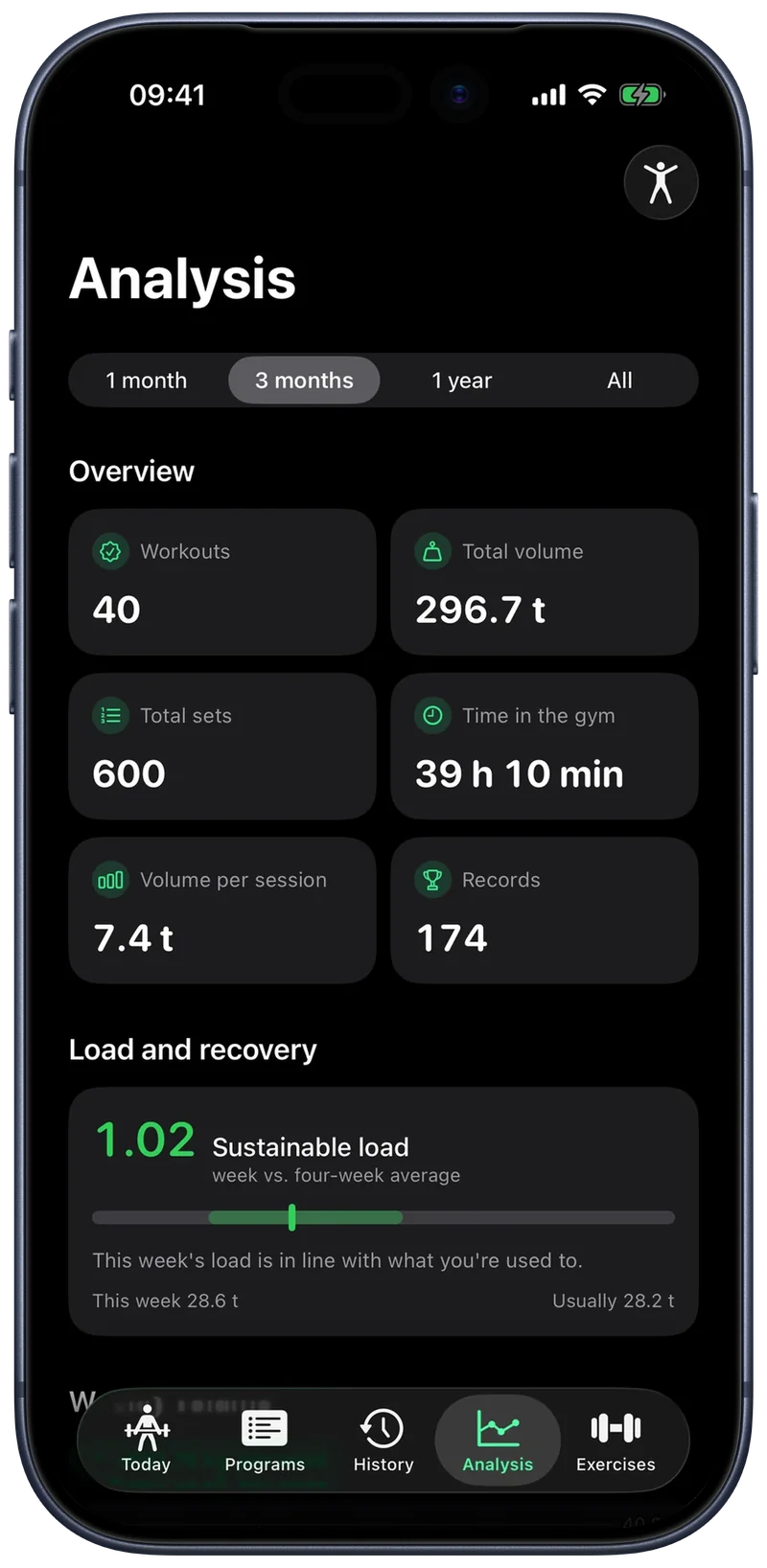
The numbers that tell you whether you're really improving.
Not just how much you lifted: where your strength is heading, how your volume moves and what to do next week.
1RM and strength trend
How much you'd lift for a single rep, with five formulas to choose from, and how it changes over time for every exercise.
Sets per muscle
How many sets a week each group gets, in the ranges from meta-analyses: under 5 you grow little, from 10 up the gains are greatest.
- Premium
Balances
Push and pull, quads and hamstrings, upper and lower body: where your program leans to one side.
- Premium
Weekly load
The last week compared with the average of the last four, to see whether you're overdoing it or slowing down.
History and records
Every session stays, and can still be fixed.
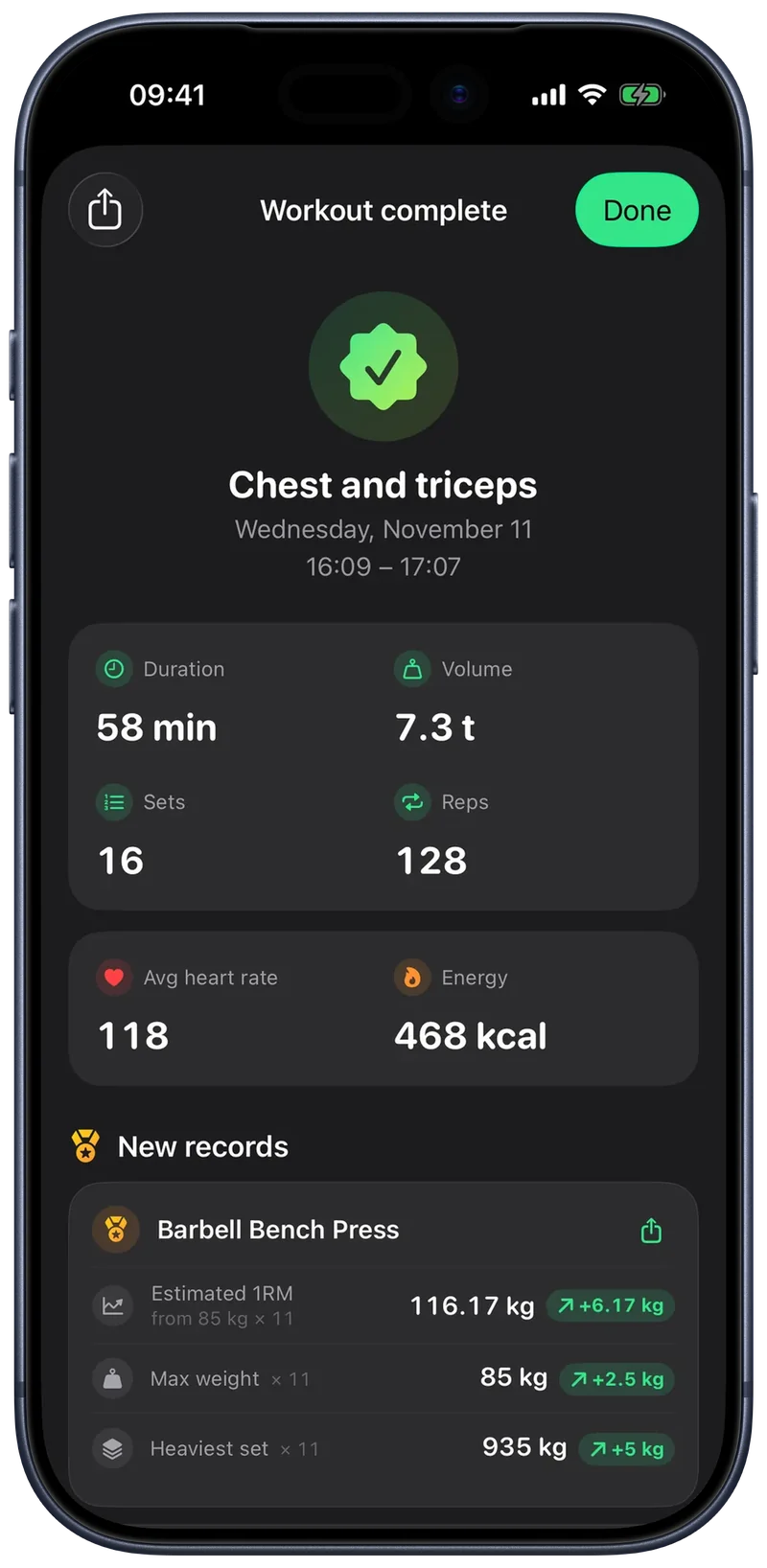
At the end of a workout you get the summary with the records you beat; with one tap you bring today's weights back into your plan, or add a free workout to a program.
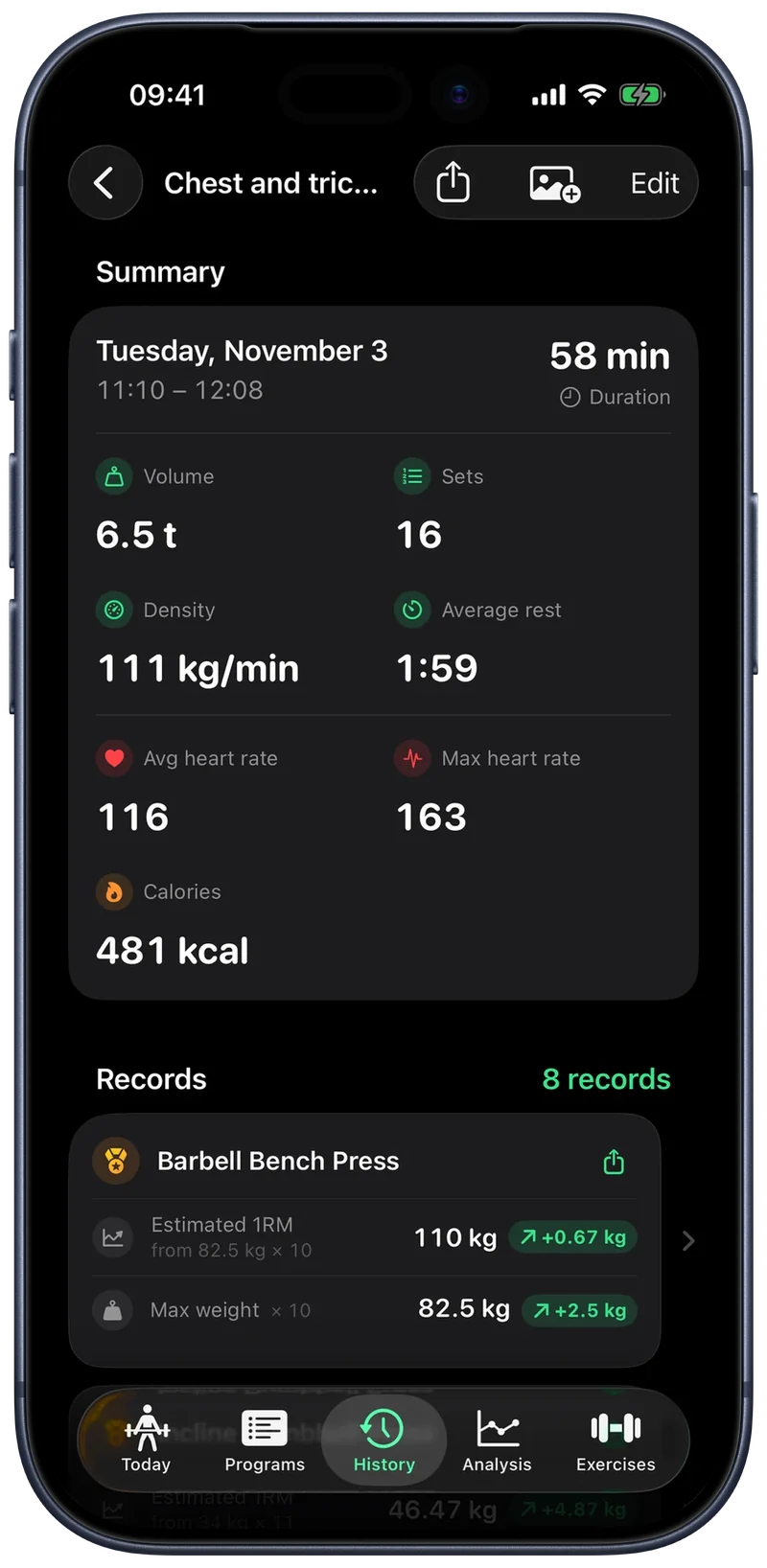
Fix a finished session
A wrong weight, a forgotten set, the end time: edit it as if you were still training, and records update themselves.
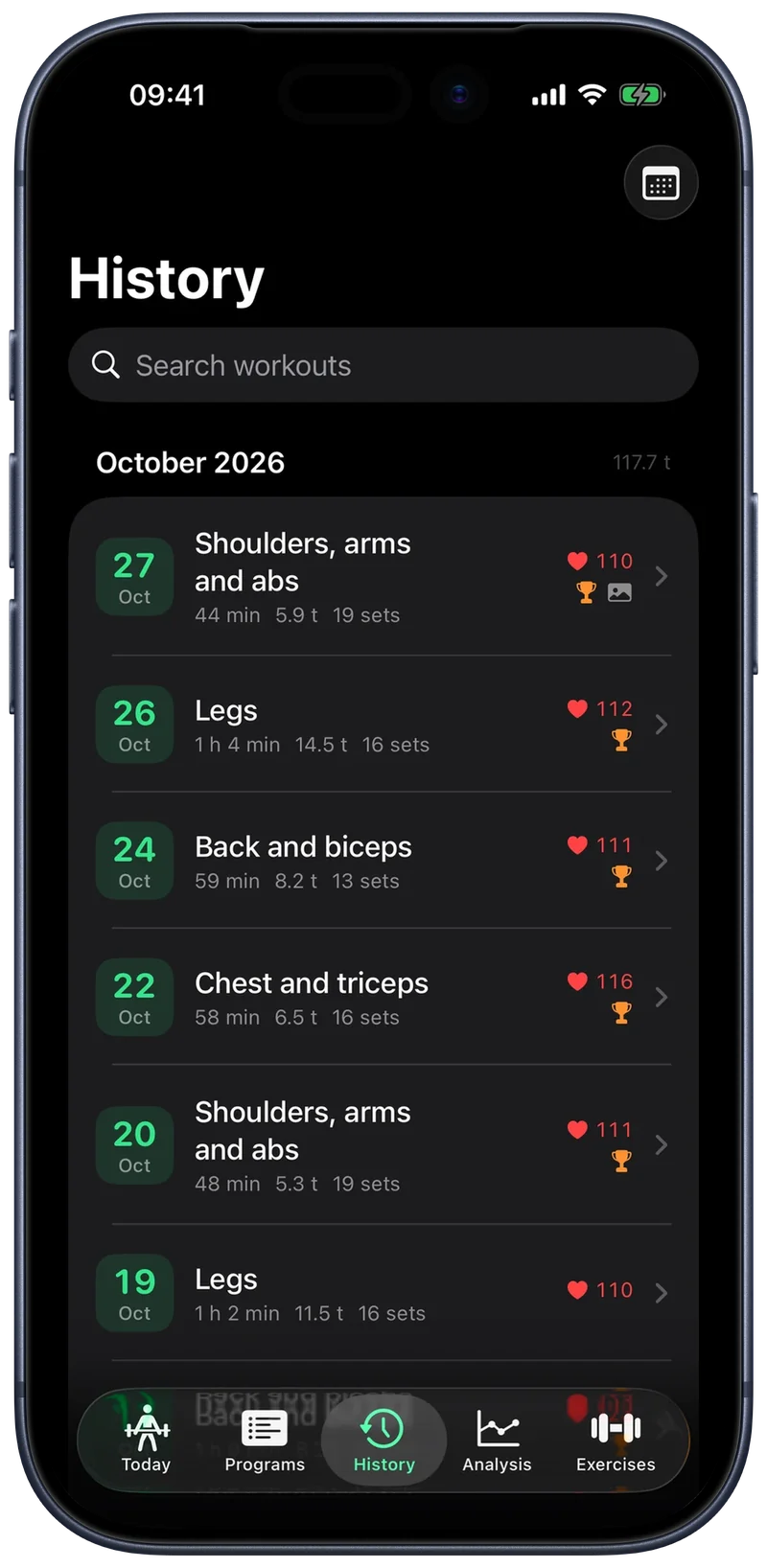
Find everything
A calendar of your training days, search by workout and exercise, and the session's photos full screen.
Every record stays written
See the road you've travelled, not just today's number, and every record becomes an image to share.
Records
A personal best deserves better than a crooked screenshot.
From every record the app builds an image for your stories or feed: the big number, how much you gained and up to four of the day's records, in the order you choose. Put one of your workout photos underneath, move and zoom it with your fingers like an Instagram story, give it a filter that touches only the photo, or pick one of the four styles. And if you only want to show your workout time and heart rate, choose those. All free, and one tap to share it.
 Repynk
 Repynk
 Repynk
 Repynk
 Repynk
 Repynk
 Repynk
 Repynk
 Repynk
 Repynk
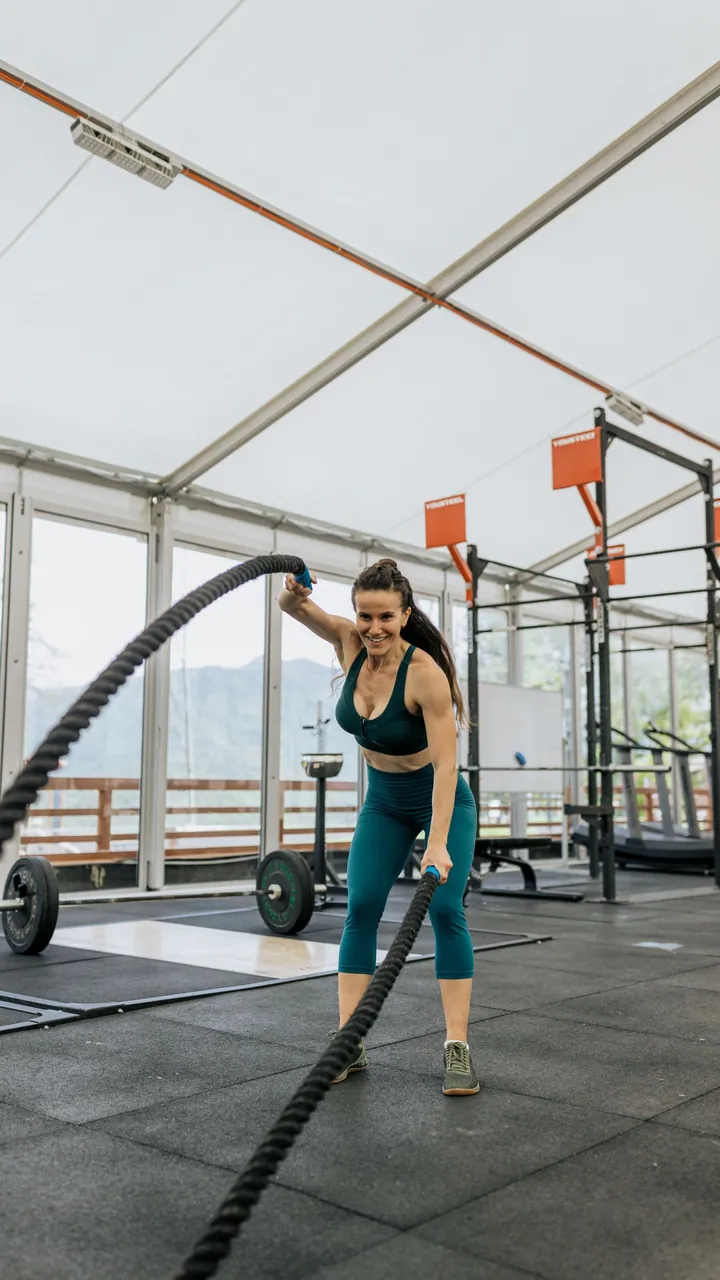
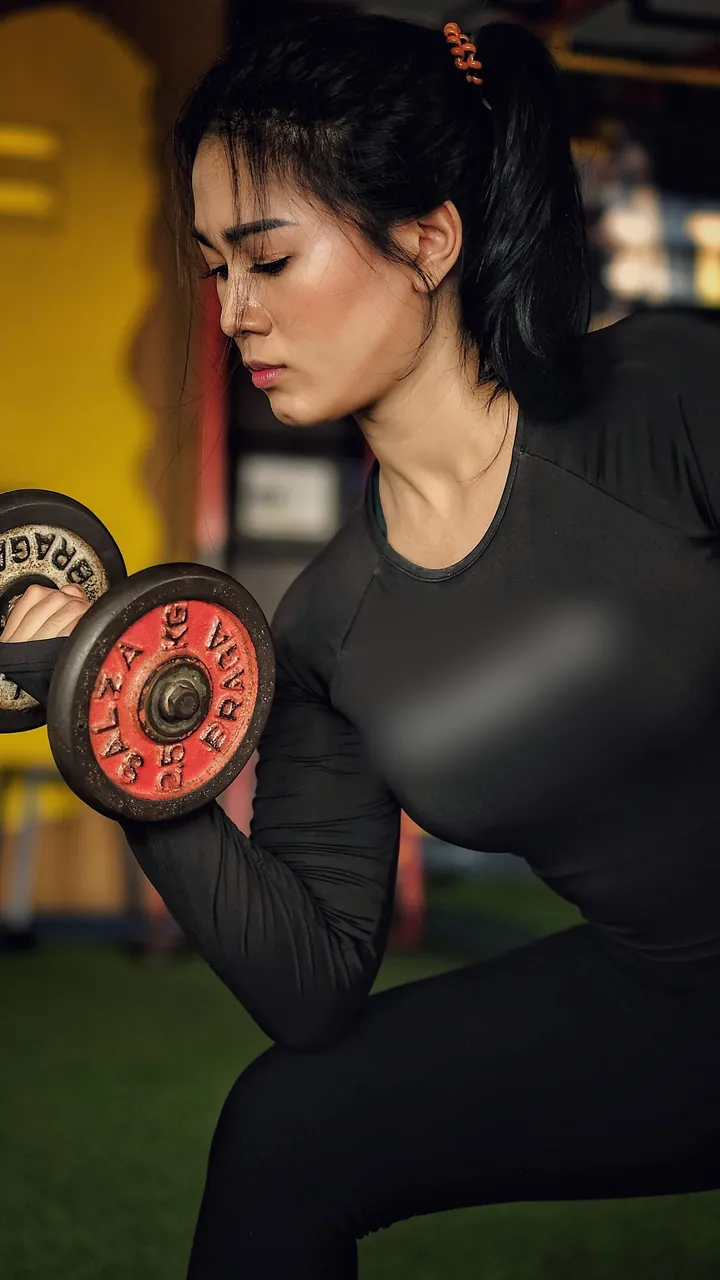
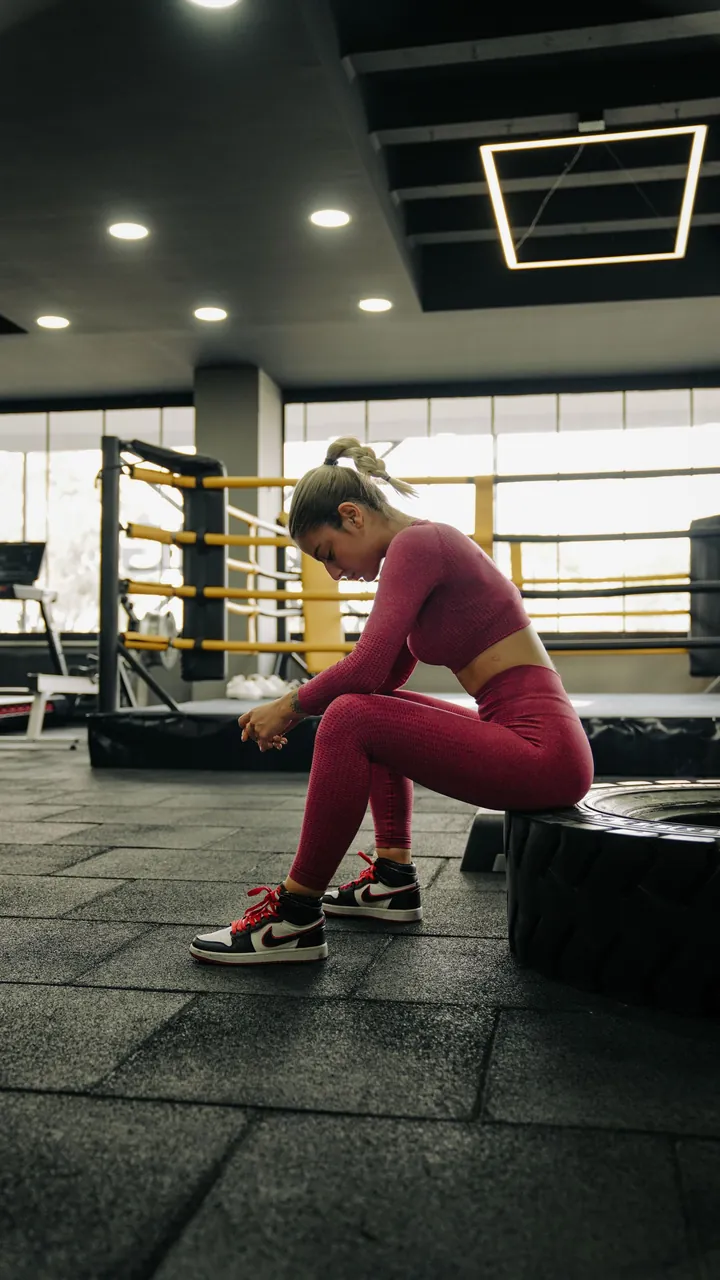
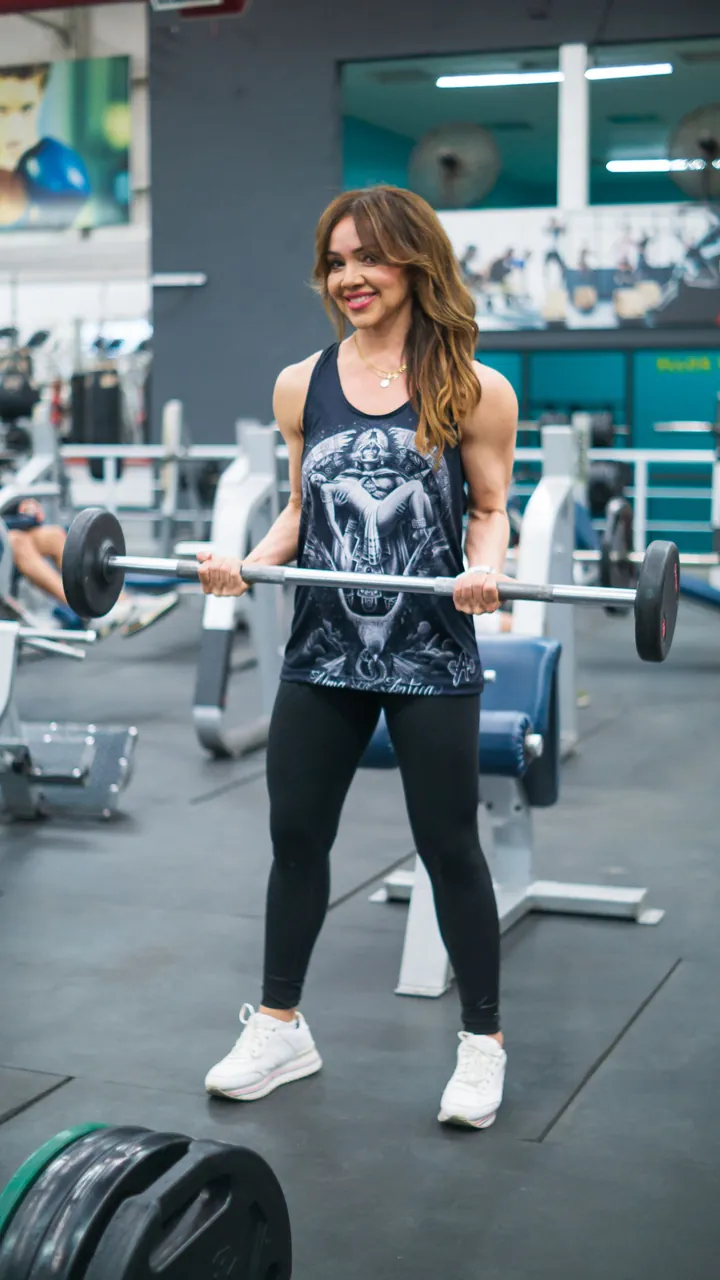
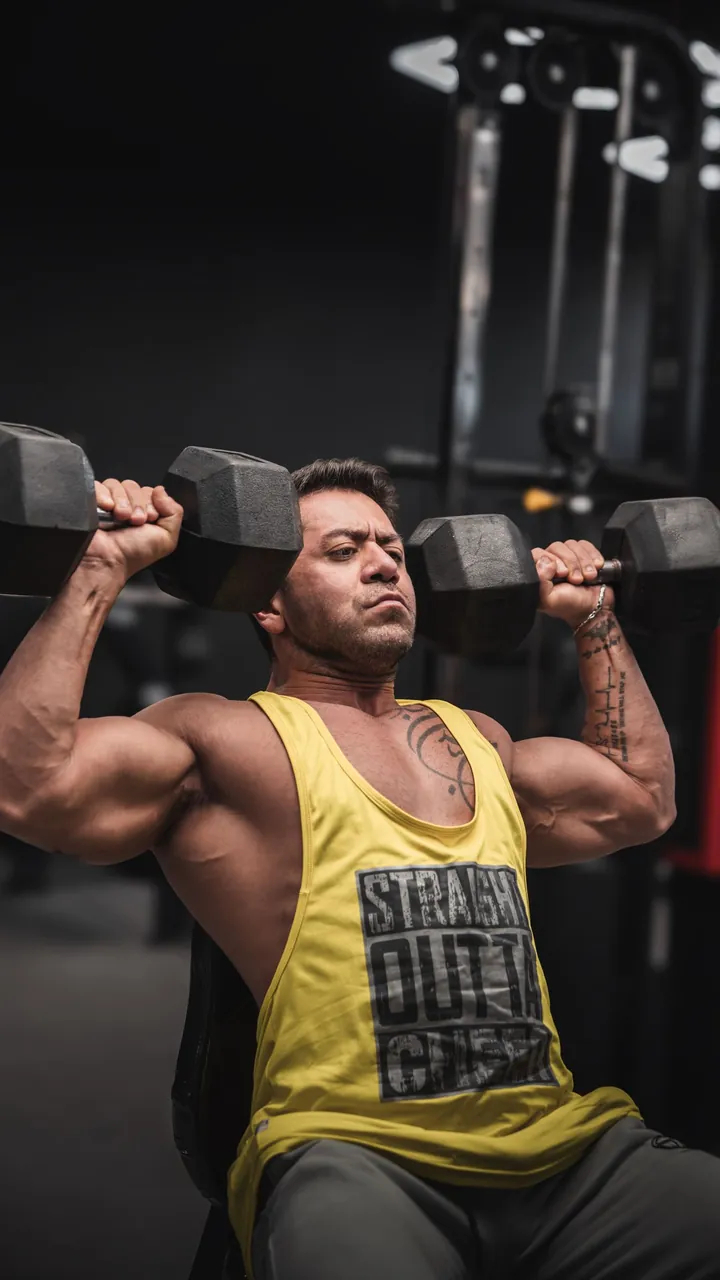
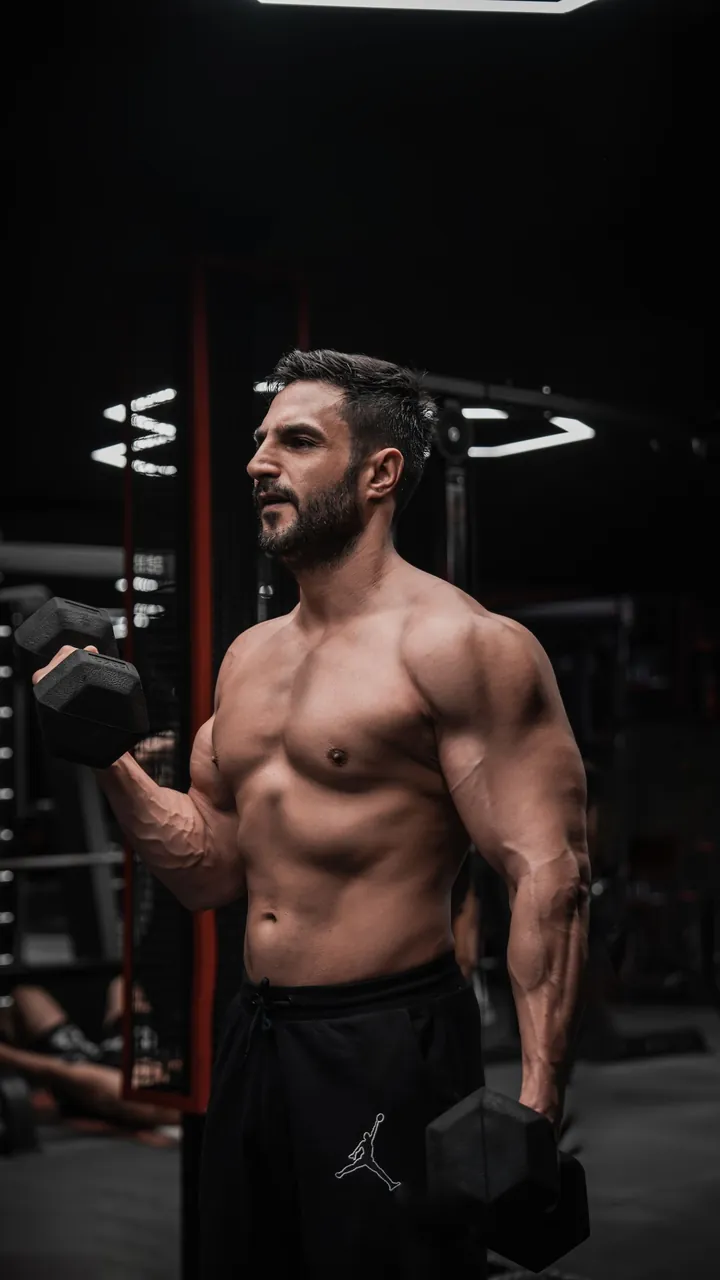
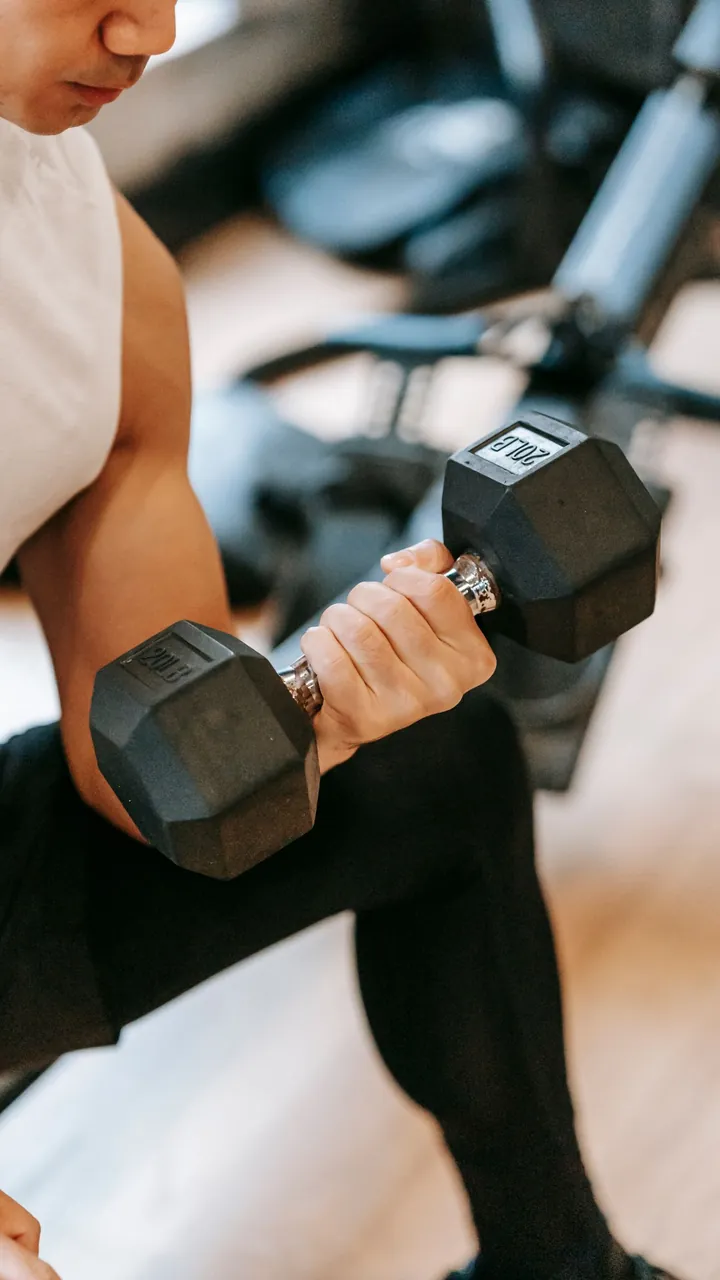
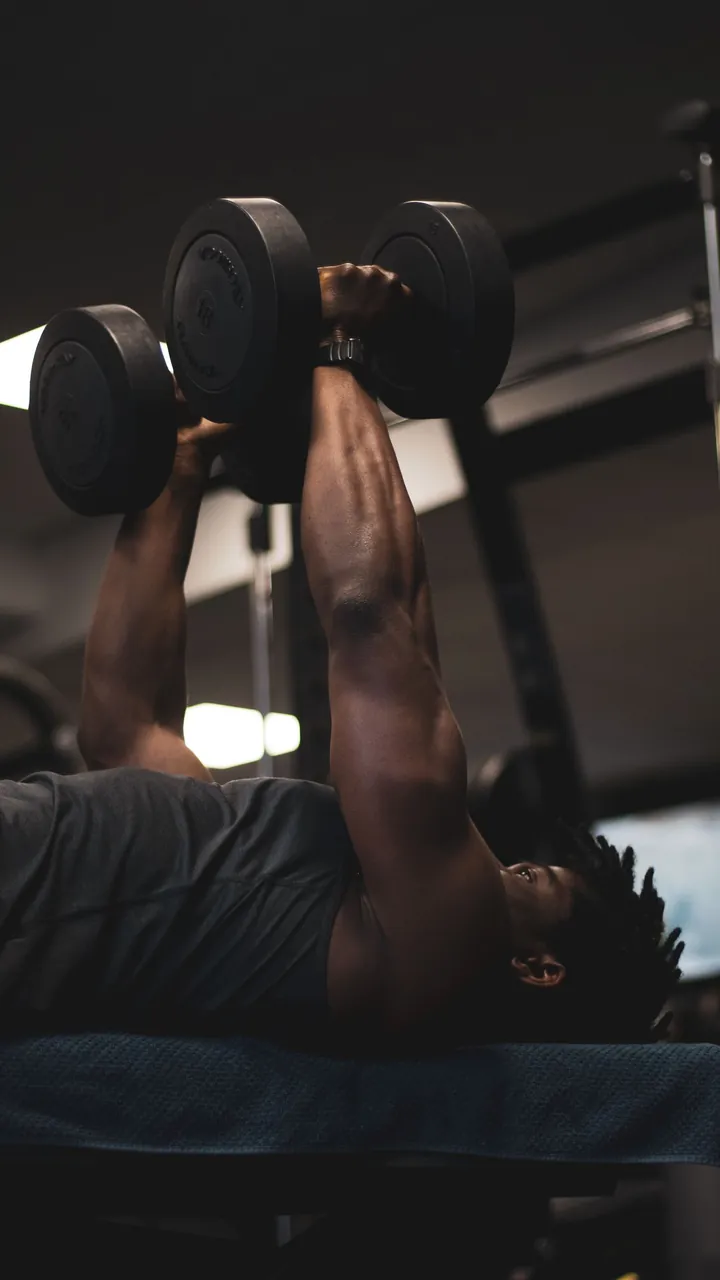
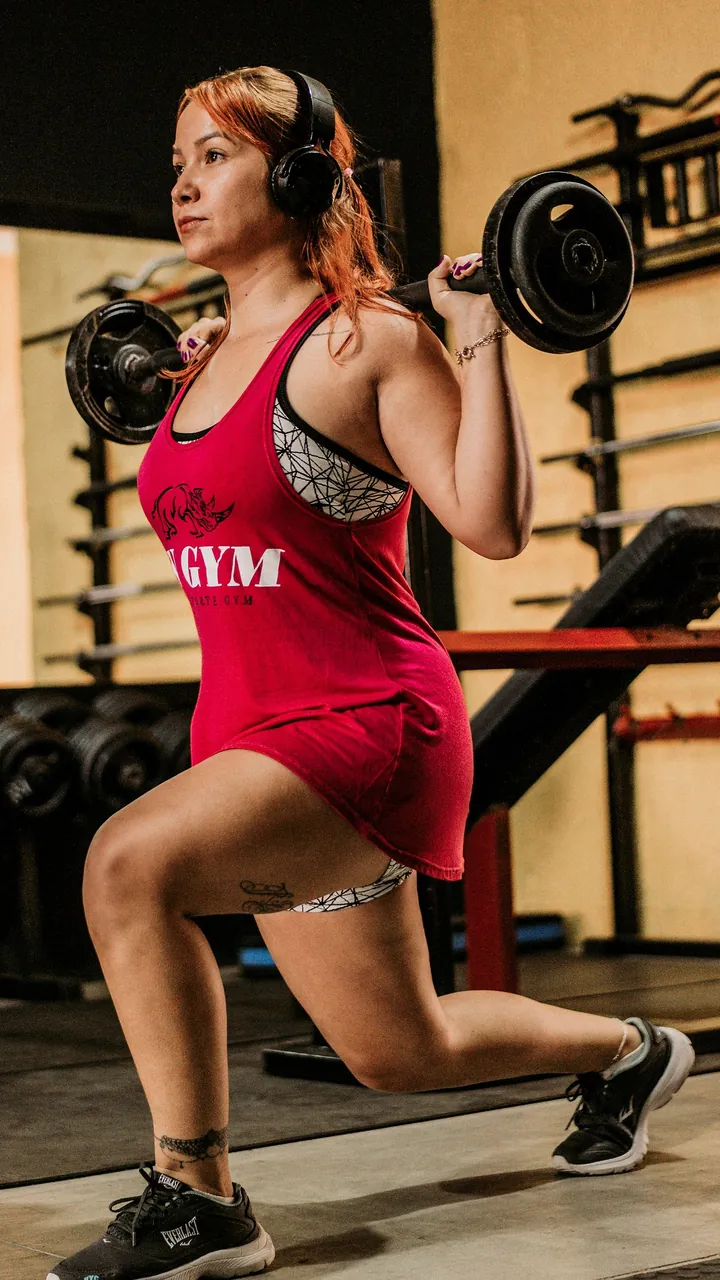
The photos are stock images from Pexels, used for illustration only: the people shown are models, not Repynk users, and the records are examples.
Exercises and data
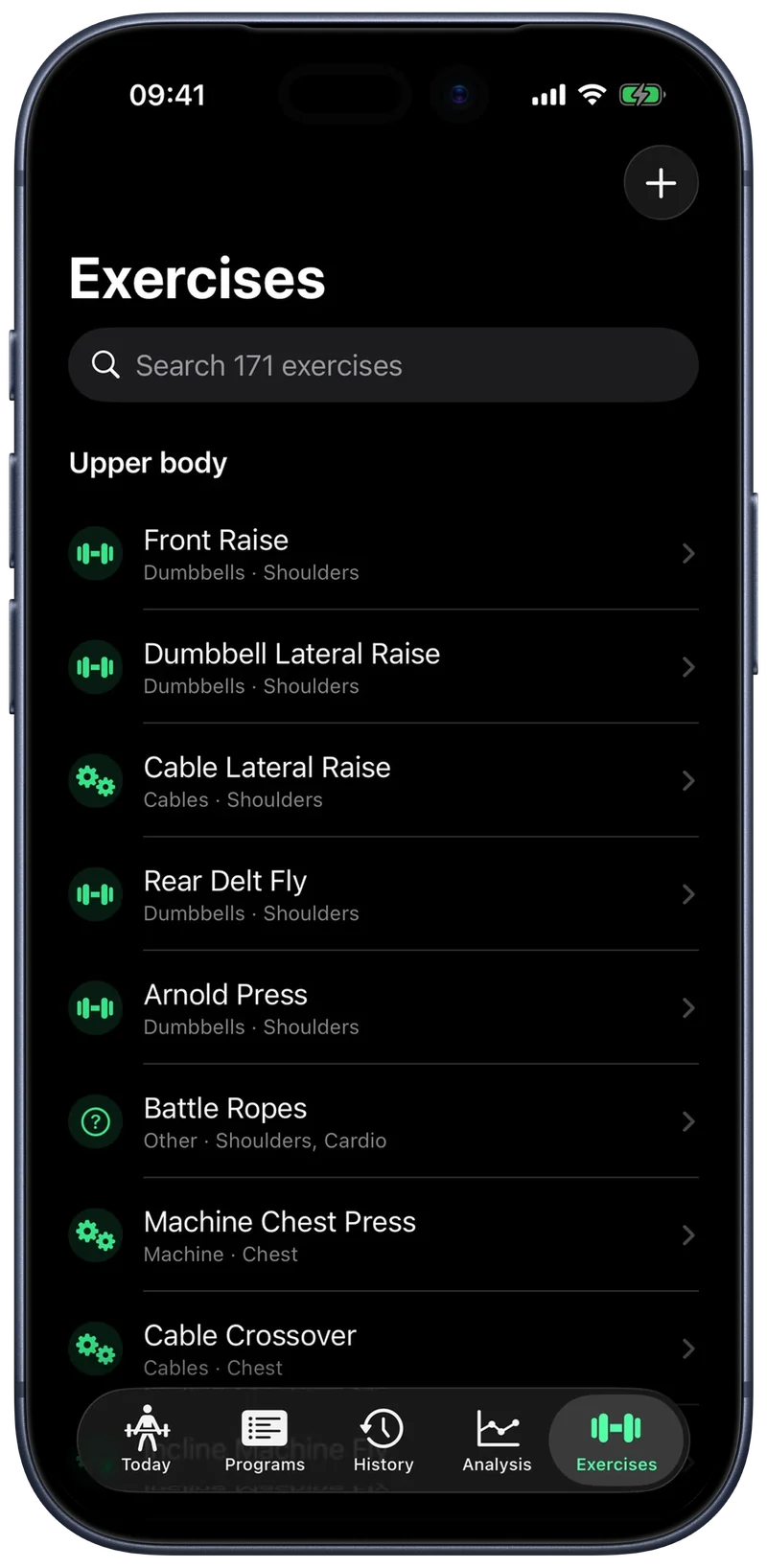
170+ exercises ready, and your data always yours.
Every exercise has its own page, with technique videos and photos; your data lives in iCloud and leaves whenever you want.
Ready library
Sorted by muscle and equipment, with sets, reps and rest already suggested; your own are added in a minute, with links to videos and photos.
- Premium
The body that changes
Weight and circumferences on a chart, and progress photos compared by date.
Your data
iCloud with no account, kilograms or pounds, CSV export and, with Premium, a PDF report for your coach. In five languages, with VoiceOver.
Free and Premium
Logging is free. Premium makes you progress.
Everything you need to log your training is free, forever. Premium makes your history work for you: it tells you how much to load, where your program is lopsided, whether you are overdoing it. Try it for seven days.
Free, no limits
- Live workout on iPhone and Apple Watch
- Lock Screen and Dynamic Island
- Programs, workouts and the exercise library
- History, records and editing past sessions
- Volume, estimated 1RM, trends and consistency
- iCloud across all your devices
- Shareable record images, with your photo and every style
- CSV export
With Premium
- The right load, already written: linear, double or RPE-based progression
- Know when to push and when to back off: weekly load and balances
- See if you are really improving: comparison with the previous period
- Your body as it changes: measurements, progress photos, side-by-side compare
- A PDF report ready for your coach
Yearly
€34.99 per year
7-day free trial · works out to €2.92 a month, 42% less
Monthly
€4.99 per month
Cancel anytime
Lifetime
€169.99 one time
No subscription
Try it for seven days
Download the app, log a workout and start the trial from Settings. You are not charged before the seven days are up, and you can cancel anytime from the App Store.
Prices in euros: elsewhere the App Store price list applies. If your subscription lapses nothing disappears: measurements, photos and the rules you set stay where they are.
FAQ
Before you download it
How much does it cost?
Downloading it and logging workouts is free, with no time or session limits. Premium is €4.99 a month or €34.99 a year with a seven-day trial, or €169.99 once, and adds load progression, advanced analysis, body measurements and the PDF report.
Can I try Premium before paying?
Yes. The yearly subscription starts with a seven-day free trial: cancel before it ends and you pay nothing. You can cancel anytime from your App Store settings.
What happens if I stop paying?
You lose nothing. Workouts, history, measurements and photos stay where they are and you keep logging for free. Only the Premium features pause, until you turn them back on.
Do I need an Apple Watch?
No, the iPhone is enough to log everything, and the session still ends up in Health. The watch adds heart rate and calories, and lets you log sets without taking your phone out.
Do I have to type in the weights every time?
No. Every set arrives filled in from your routine and from what you did last time. With a progression rule, the suggested load is already today's.
Does it work with VoiceOver?
Yes. Every number is read with its label, charts are described bar by bar, and on the wrist you adjust the set by swiping, because with VoiceOver on the crown can't reach the number.
Can I use my own plan?
Yes. Build programs, workouts and exercises just like on paper, with sets, reps, weight and rest, choosing from 170+ exercises or adding your own. No plan yet? Three ready-made ones are waiting.
Is it fine if I've just started?
Yes. Start from a ready-made program, in your first sessions one tip at a time shows the gestures that matter, and the glossary explains the terms you meet. Special sets and progression rules stay optional.
Do I need an account?
No. Your data lives on your iPhone and syncs through iCloud to your other devices: no sign-up, no password.
Can I take my data with me?
Yes, whenever you like and at no cost: three CSV files with sets, workouts and measurements. Premium adds a PDF report for the period you choose.
Your next set is one tap away.
Download it free and log your first workout today: no account, no limits. When you also want it to tell you how much to load, Premium comes with a seven-day trial.
Free on the App Store · iPhone with iOS 26 · Apple Watch with watchOS 10